Revamping Missing Cashback Journey
Insights, thoughts and trends in design
My Role:
Product Design - Problem Solving, Design Thinking, User Flows, Interaction Design, Rapid Prototyping
My Team:
Product Manager - 1
Developer - 2
Introduction
At CashKaro, we identified significant issues with its process for raising missing cashback tickets.
The current process is cumbersome and inefficient, leading to user dissatisfaction and operational inefficiencies.
This case study details the design process to streamline and enhance this process, making it user-friendly and reducing the manual workload for the operations team.
Objectives
Improve User Experience: Simplify the process of raising missing cashback tickets, reducing the number of steps and required inputs based on user feedback.
Increase Ticket Raising Rates: Allow users to raise tickets immediately, reducing the number of unreported missing cashback.
Reduce Operational Load: Automate the process to minimize manual intervention and reduce errors.
Design Process

User Data Analysis
Based on the data from the "Did You Shop" event over the last few months, we observed the following trends:

From the data of ‘Did You Shop’ event, we are able to see that lots of inactive or lapsed or active users are coming to the app and clicking out to retailers. Some users even have multiple clicks.
We can also see that almost 60% people then come to Did You Shop section within the timeline. Now if the transaction will auto-track then no issue, but if this was missing, then user will have to remember to come back after the timeline to raise a Missing Cashback ticket. — Frustration points
Key Insights
Many users visit the "Did You Shop" section but don’t raise tickets due to the complex process.
A significant number of transactions auto-track, but many are missed and unreported.
What do the users say?
We gathered a lot of user feedback and reviews on the old missing ticket flow. The major issues were categorised, filtered, and listed down with help of affinity mapping:

Problem Statements Identified

Cumbersome Process for Raising Missing Cashback Tickets
Issue: Users find the current process of raising missing cashback tickets difficult and time-consuming. This has been validated through extensive user feedback and reviews.
Impact: This results in a high level of user frustration and discourages users from completing the process, leading to unreported missing cashbacks.
Delayed Ticket Raising
Issue: Users cannot raise a missing cashback ticket immediately after a transaction. They must wait for a specific tracking time to elapse, which many users forget or find inconvenient.
Impact: A significant number of users never report their missing cashback, as evidenced by the data on the "Did You Shop" event.
High Manual Workload for Operations
Issue: The current process is heavily manual, requiring substantial operational resources to manage and prone to errors.
Impact: This increases the workload on the operations team and introduces inefficiencies and inaccuracies in handling missing cashback tickets.
Revamping the experience

Original Screenshot

Ideated Version with Product

Final Output (LIVE)
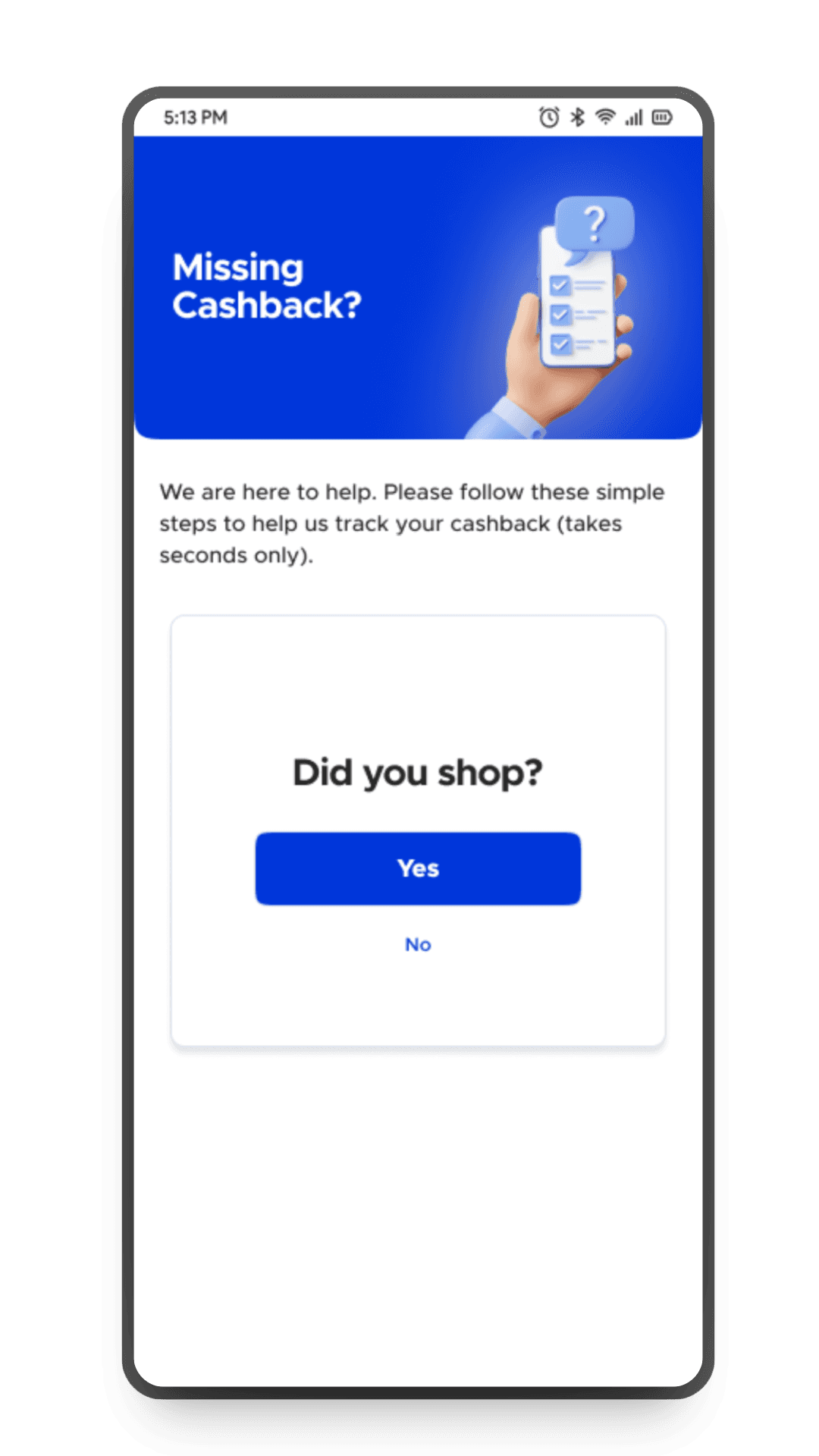
After gathering the data to justify our hypothesis and conducting user research, we ideated to revamp the "Track Cashback" (Previously Recent Clicks) section, allowing users to raise a missing cashback ticket immediately after making a transaction. User no longer waits for tracking time of 1 hour, 24 hours etc like we have in our old set up.

Solving for multiple cases
To streamline the missing cashback process, we identified 4 key cases to address .(which cover all the basic and edge cases).
So, If Cashback is tracked, we’ll notify the user. If not, we’ll automatically add it in "Pending" status based on the order ID and amount provided by the user—applicable only for retailers with a single Cashback rate. For retailers with varying rates, a different process will apply. Each retailer will be assigned a template ID to determine the appropriate cashback flow.
Case 1: Ajio Type with Single Cashback Rate
User Input: Order ID and Order Amount.
System Check: Matches Order ID with the cashback table.
Outcome: If matched, show "Cashback Already Tracked". If not, system adds cashback to the user's account.
Case 2: Myntra Type with Different Cashback Rates for New/Existing Users
User Input: Order ID, Order Amount, and User Type.
System Check: Matches Order ID with the cashback table.
Outcome: If matched, show "Cashback Already Tracked". If not, system adds cashback based on user type.
Case 3: TataCliQ Type with Order ID and Multiple Cashback Rates Based on Product Category
User Input: Order ID, Order Amount, and Product Category.
System Check: Matches Order ID with the cashback table.
Outcome: If matched, show "Cashback Already Tracked". If not, request additional details from the user.
Case 4: Amazon/Flipkart Type with No Order ID and Multiple Cashback Rates Based on Product Category
User Input: Order ID, Order Amount.
System Check: Matches Order ID with the cashback table.
Outcome: If not matched, navigate the user to the order history page and request a screenshot.
Information Architecture - Solution Diagram

User Flow - Diagram

User Flow - Figma Screens for New Flow



Weekly Wonders
Curious for more? How about we deliver wonders to your inbox every week, seal it with a magical kiss and watch you fall in love? Hit the ‘Sign Up’ button now!